In this article, we will show you how to install the foot-straps on your Renegade electric skateboard (electric mountainboard). Follow these steps to ensure correct mounting and optimal use of your board.
Tools Required
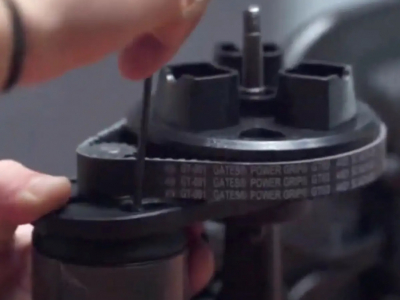
- Standard screwdriver
- 4mm Allen key
Box Contents
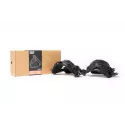
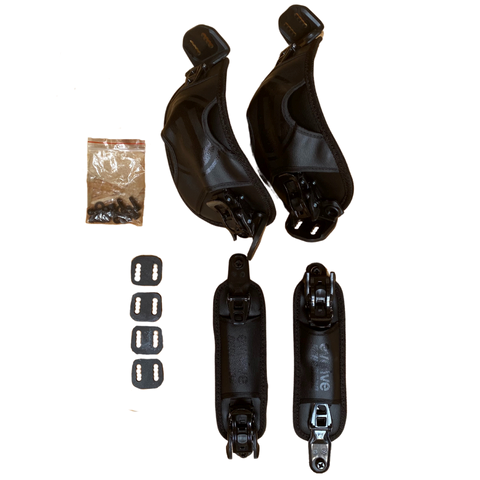
Take all parts out of the box. You should have:
- 4 metal plates
- 2 foot-straps
- 2 heel-straps
- 8 screws to attach the straps to the skateboard
- 2 screws per heel-strap
1. Positioning the Straps on the Electric Skateboard
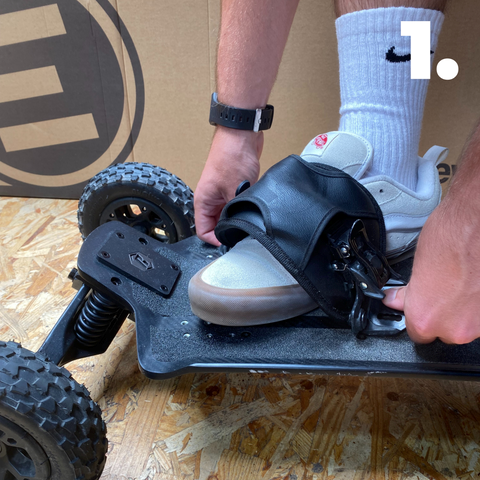
Natural placement: Place the board on the floor and stand on it to determine where your feet naturally rest.
Marking positions: Note where the bindings need to be installed, aligning the mounting holes with those on the board.
2. Installing the Foot-Straps
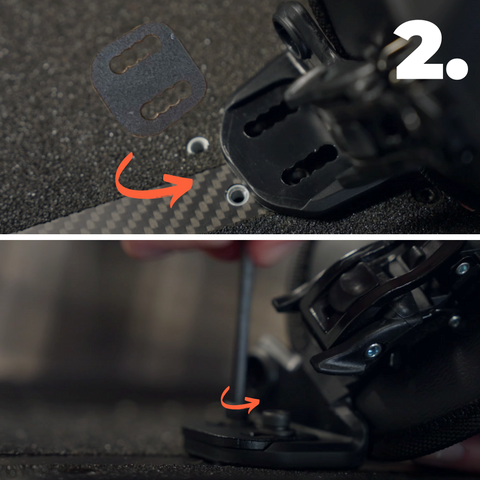
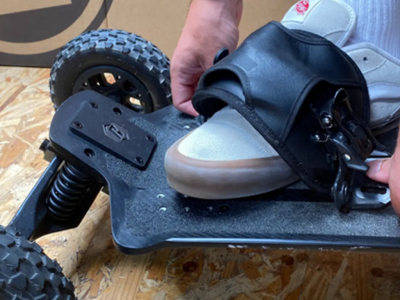
Alignment: Align the first foot-strap with the corresponding mounting holes.
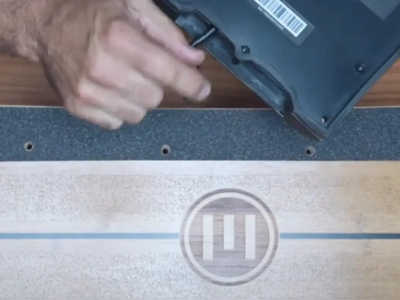
Fixing: Slide the metal retention plates into the holes. Take a screw with its washer and screw it in using the 4mm Allen key. Repeat the process with the second screw to securely fasten the strap.
Repeat: Repeat the process on the other side of the strap.
3. Installing the Heel-Straps
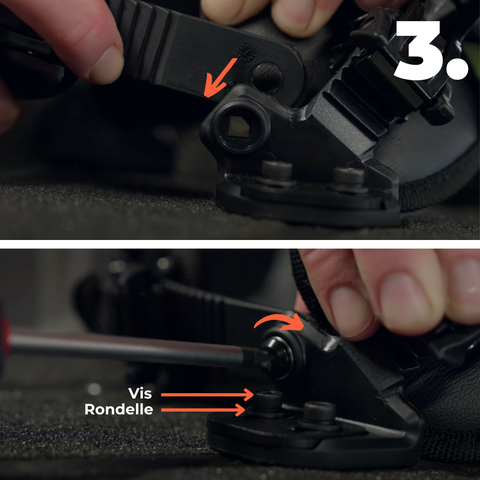
Preparation: Once the foot-straps are attached, take one of the heel-straps and the two corresponding screws.
Fixing: Insert the screw into the small square hole of the foot-strap. Tighten each side with the screwdriver to ensure a tight fit.
4. Final Adjustment and Setup of the Straps on the Electric Mountainboard
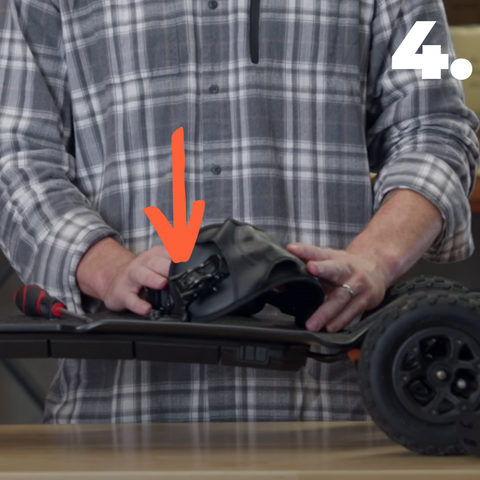
Ratchet adjustment: Use the ratchet to adjust the strap according to your comfort. You have additional adjustment with a ratchet on one side and a ratchet release on the other side to adjust the strap to your liking for the most comfortable position.
Repeat: Repeat the process for the other side of the board.
Test: Check that all bindings are properly tightened and that the straps are adjusted to your preference.
Conclusion
By following these steps, you will be ready to ride with properly installed straps on your Renegade electric skateboard, ensuring stability, safety and comfort.
For more details on strap installation, feel free to check out our YouTube video.
https://youtu.be/xu0P3rB8QNg